Master the Machine

Gain Confidence While Enhancing Your Creativity
Getting started with machine embroidery can be overwhelming.
This comprehensive online course will take you from complete newbie to confident embroiderer. We’ll cover everything from proper machine setup to more advanced and creative machine embroidery techniques. You’ll learn what supplies, software and gadgets you need and which ones you probably don’t. Plus – you’ll get exposed to a variety of embroidery software and learn what these programs can do for you.
ORGANIZED AND SYSTEMATIC INSTRUCTION
An experienced and enthusiastic instructor
Hey there! My name is Julie, and I’m here to help you get that embroidery machine out of the box and start stitching!
I’ve been sewing and embroidering for years. In fact, I even have a Masters Degree in apparel design. You may have seen some of my projects in Creative Machine Embroidery and Sew News magazines as I am a frequent contributor to those publications.
I’m also an experienced teacher having taught at the college level for over 20 years. And, I offer popular machine embroidery related workshops through Everything Embroidery Market and the Rebecca Page Summit.
Why I built this course
Despite my extensive background in sewing and apparel design, it took me a little while to get started with machine embroidery.
I’m embarrassed to admit that my embroidery machine sat in a box for a couple of years before I even tried it out. But after I found a patient and knowledgeable teacher and practiced a bit on my own, machine embroidery began to feel like second nature.
So, if you find yourself intimidated by your embroidery machine and unclear on how to get started, I get it! And, I’m ready to be your guide!

MASTER SUPPLIES, TECHNIQUES AND TECHNOLOGY
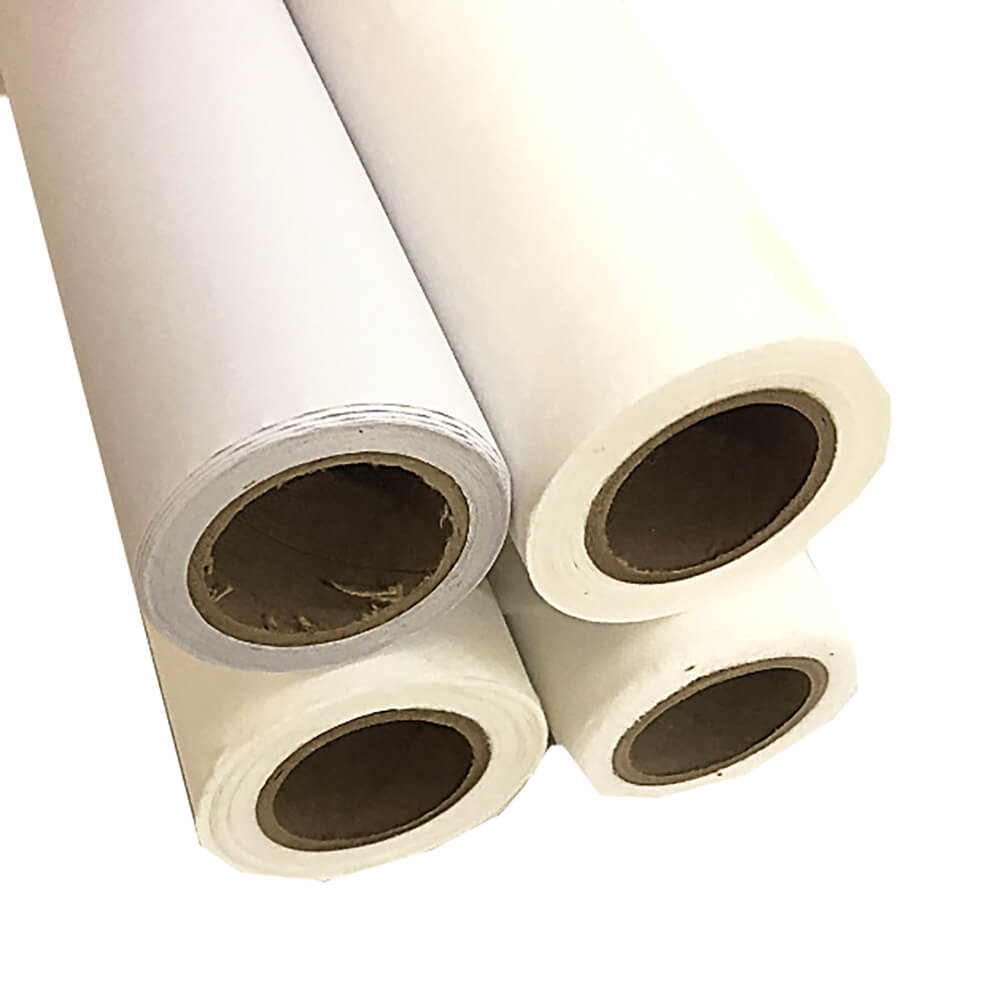
There are many different types of stabilizers, threads, needles, etc… But which ones should you use and when? In this course – we identify the essential types you should have on hand for almost any machine embroidery project.

Some items are very challenging to hoop. We’ll cover some clever tips and tricks to help you embroider on some of the most challenging items.

Setting up, modifying and transferring embroidery designs onto an embroidery machine can be a challenge. I’ll simplify the process so that even the most techno-phobic will be working with files like a pro.
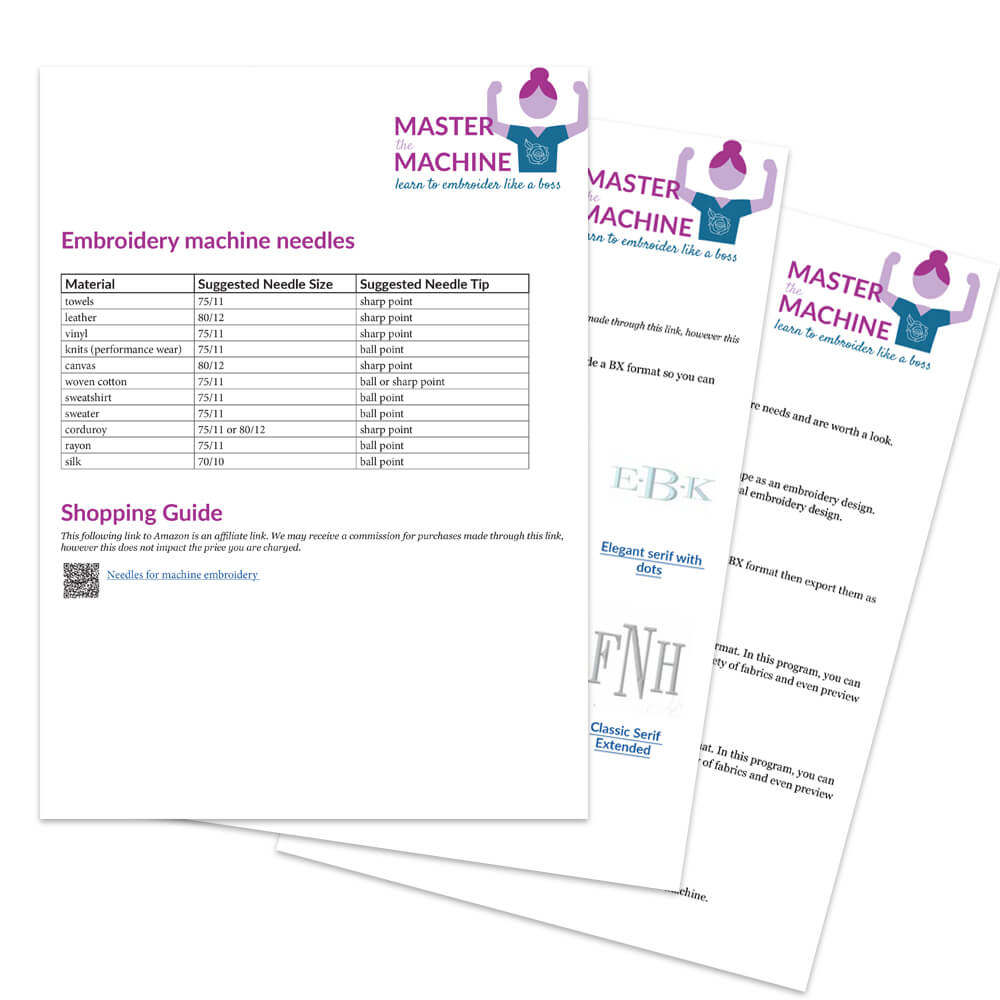
Download worksheets from many of the modules covered in the course to help you recall what you learned.

Learn more about advanced machine embroidery techniques like appliqué, free standing lace, in-the-hoop projects, quilting, quilt block making and more. I’ll provide sample files for you to stitch out yourself.
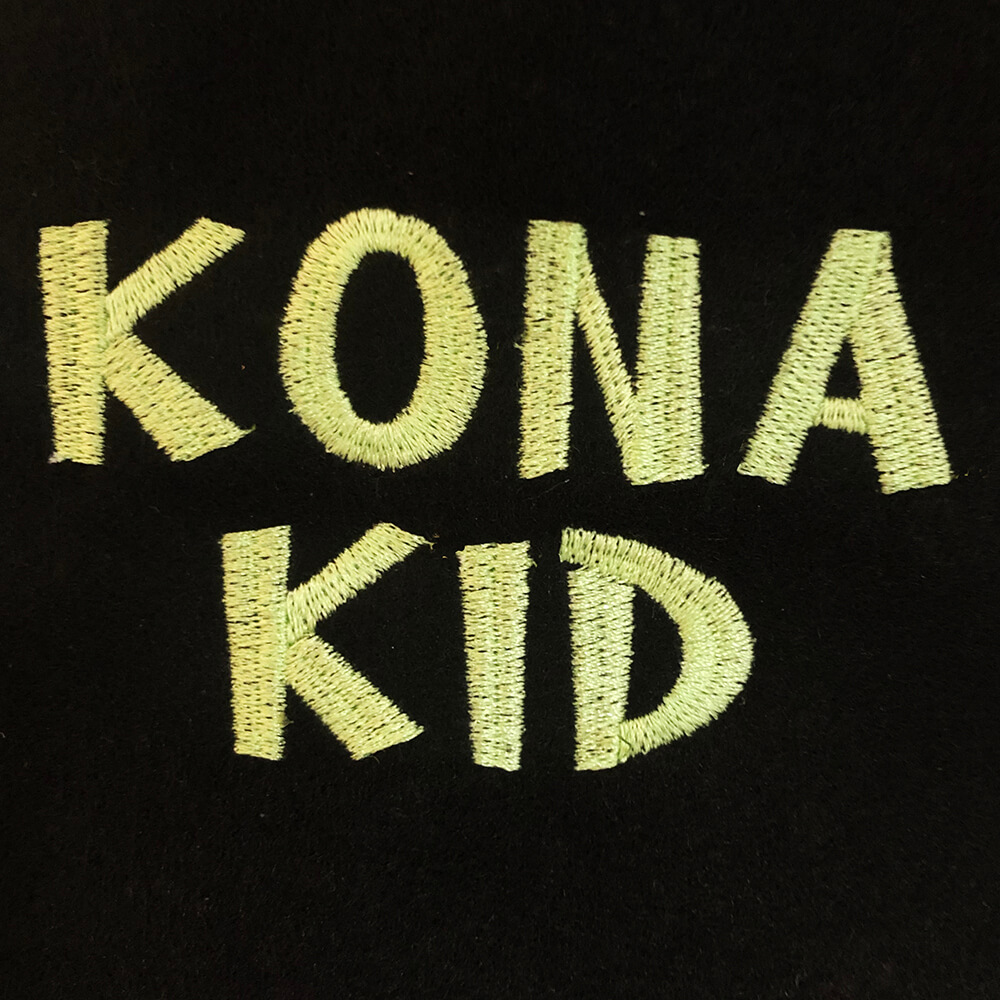
Create a variety of looks with a robust font collection. We’ll cover how to download and build names, monograms, phrases and words from embroidery fonts. Plus you’ll get a few fonts to start building your collection.
WHAT MY STUDENTS ARE SAYING…
“I recently took one of Julie Griffey’s, The Machine Embroidery Geek, machine embroidery classes. Instructions were clear with good examples of the step-by-step progress to complete the project. The tips she provided kept me from making some frustrating errors. I enjoyed the class and came away with an awesome and fun handmade craft.”
- Eileen R.
“I am so happy to have found Julie and Machine Embroidery Geek. I have taken a couple of classes like SewArt/SewWhatPro and Master the Machine. I am amazed at how down to earth the explanations in the class are. In the past people treated me as if I should already know everything and I was too proud to admit I didn’t. Julie takes you where you are and is very patient. I have even had some questions I could not work through on my own and she is a great resource. Thank you Julie for all your help.”
- Sharon J.
“I am a novice machine embroiderer and this class is proving to be extremely helpful in understanding the basics. I love that you are so practical and sincere in your suggestions and recommendations.”
- Theresa F.
“Love your teaching!”
- Joyce G.
“Hi Julie, I’m not new to sewing in any way, but brand new to embroidery. I want you to know that your [Master the Machine] course has de-mystified it SOOOO much! You are a clear, concise teacher who does an outstanding job in demonstrating and explaining. Plus, the cost of the course was an exceptional deal. Thank you!! I look forward to your Essential Essentials course!”
- Jamie H.
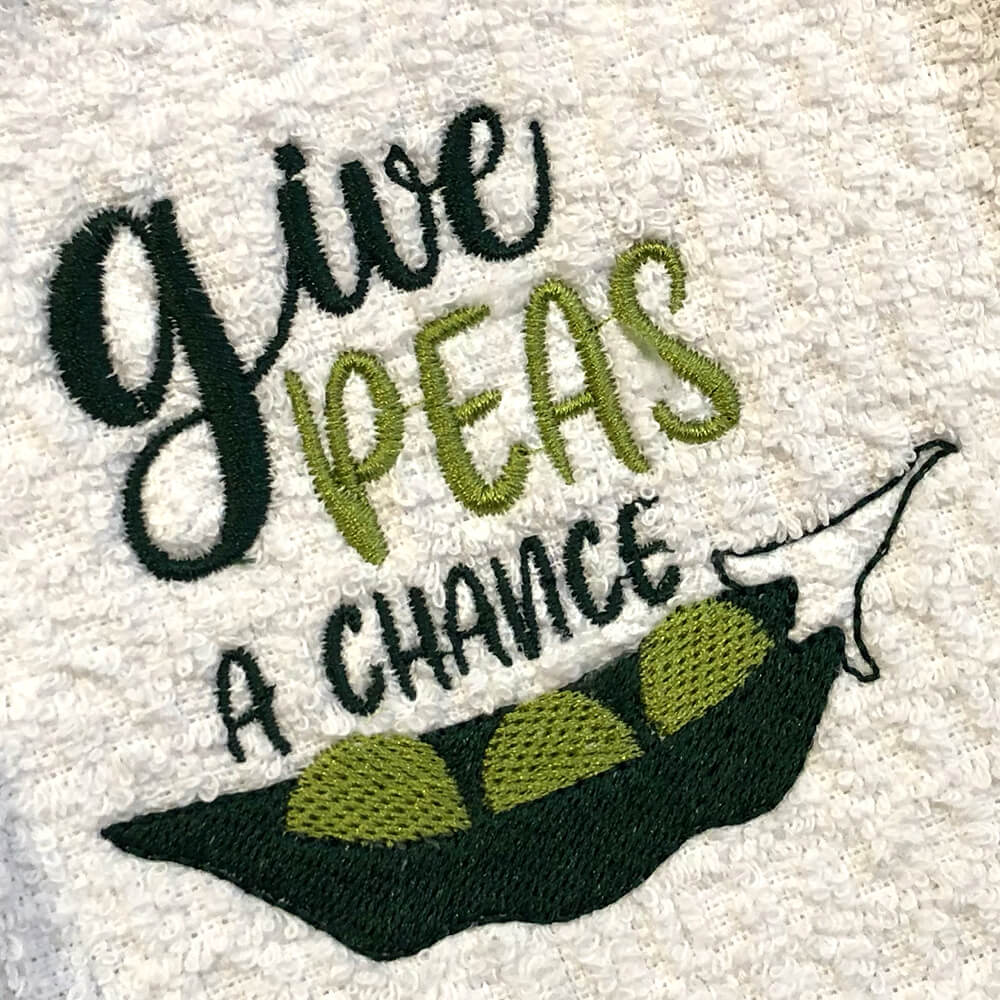
10 BONUS embroidery designs
There will be 10 bonus embroidery designs so that you can recreate every project we do throughout the course. Each embroidery design will be delivered in many different embroidery file formats and sizes.
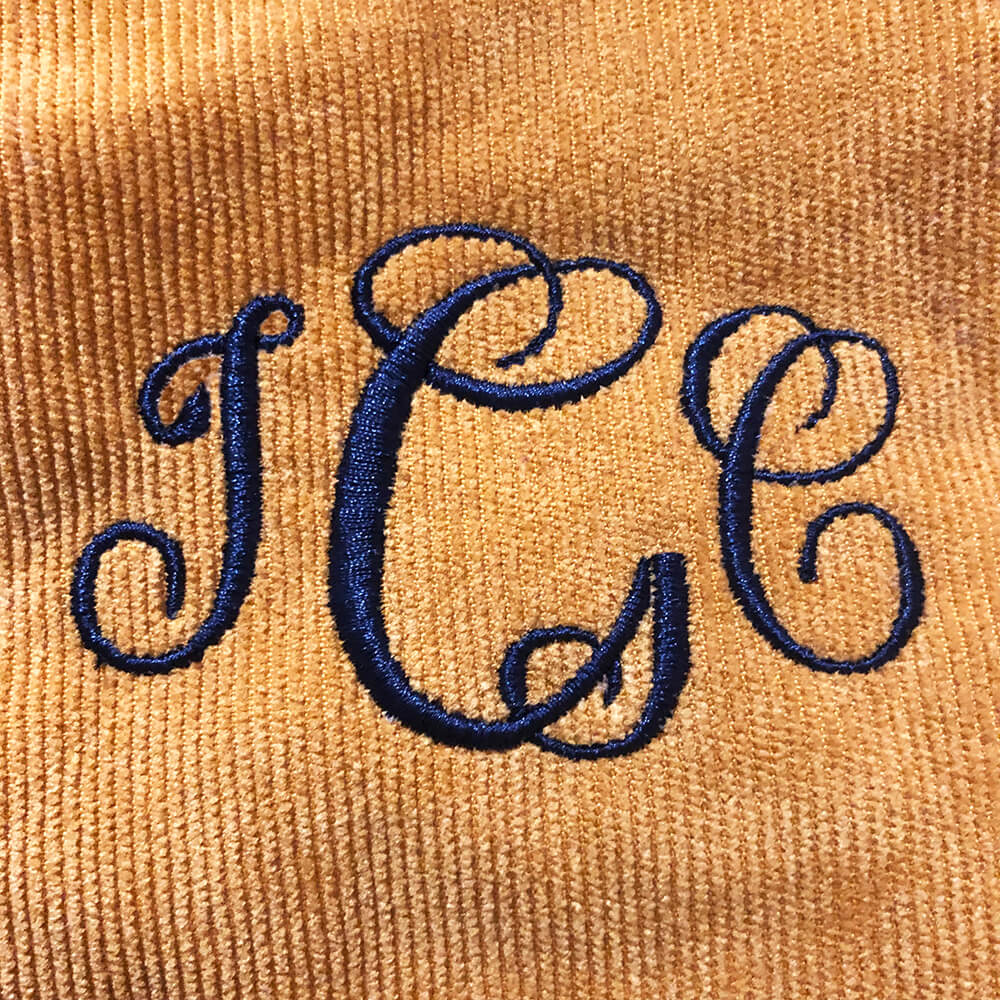
3 BONUS embroidery fonts
You will receive three bonus embroidery fonts you can use to design names, monograms and words. All fonts will be delivered in the most common embroidery design formats as well as (the SUPER AMAZING) BX format!
Curriculum
- 10 Sections
- 42 Lessons
- Lifetime
- 01 - Getting Started8
- 1.1Instructor Introduction and Course Overview
- 1.2Choosing a beginner-friendly embroidery machine
- 1.3How to set up an embroidery machine
- 1.4Choosing your thread and bobbin for your embroidery machine
- 1.5Stabilizer – why you need it, what you need
- 1.6Embroidery Needles – choosing the right size and type
- 1.7Maintaining your embroidery machine
- 1.8Supplies needed for this course
- 02 - Understanding Embroidery Designs5
- 2.1Accessing and stitching out a built-in design embroidery design on your machine
- 2.2Using the lettering built into your machine
- 2.3Embroidery Design Basics: What you should know before stitching one out.
- 2.4Downloading and transferring embroidery designs to your embroidery machine
- 2.5Where to buy + find free embroidery designs
- 03 - Your first project: embroidering a fun hand towel4
- 3.1Choosing Stabilizer & Hooping vs Floating
- 3.2Aligning your project on the hoop to achieve perfect placement
- 3.3Techniques when stitching out a project – watch the machine, trim jump stitches, keeping material out of the way, cleaning up threads
- 3.4Patching your sticky back tear away stabilizer for efficiency and cost savings
- 04 - Your second project: monogramming a tote bag5
- 4.1Designing a monogram
- 4.2Setting up your monogram file – combining letters as embroidery designs
- 4.3Setting up your monogram file – using BX fonts
- 4.4Preparing to embroider on a totebag – choosing stabilizer, floating, positioning, pinning
- 4.5Embroidering on a tote bag – ensuring success and what to do when things go wrong (stopping, starting – using a bounding box)
- 05 - Your third project: stitching an appliqué design on a t-shirt5
- 06 - Troubleshooting machine embroidery problems3
- 07 - More advanced techniques6
- 7.1How to stitch out a basic in-the-hoop design (coasters)
- 7.2How to stitch out an in-the-hoop pouch with a zipper
- 7.3How to stitch out a free standing lace design
- 7.4How to stitch out a free standing appliqué design
- 7.5How to make a quilt block on your embroidery machine
- 7.6How to quilt using your embroidery machine
- 08 - Embroidery software3
- 09 - Future directions in machine embroidery2
- Embroidery Designs1
FAQs
Instructor

Hello! I'm Julie, the founder of Machine Embroidery Geek. As an educator with over 20 years of teaching experience and a machine embroidery designer for more than 10 years, I combine my love of teaching with my passion for embroidery.
I believe that machine embroidery should be fun, creative, and accessible to everyone. That's why I create easy-to-follow tutorials, online courses, and modern embroidery designs that help embroiderers build skills and create projects they're proud of. Whether you're learning the basics or mastering advanced techniques, I'm here to help you stitch with confidence.