Conquer the Computer

Conquer the Computer is the computer basics course every machine embroidery enthusiast wishes they had when they started. Learn how to confidently manage files, organize embroidery designs, use USB drives, download and store designs, and understand the computer skills that make machine embroidery easier and more enjoyable. Perfect for beginners and anyone who feels intimidated by technology.
Some of the Topics Covered
Curriculum
- 6 Sections
- 20 Lessons
- Lifetime
- IntroductionGet to know your instructor and get a sneak peek into what you will learn in this course.2
- Obtaining, downloading and transferring embroidery designsThis section of the course covers the essential skills for finding, obtaining, downloading, and transferring embroidery designs to your machine. Students will learn how to navigate design files, manage different file formats, and confidently move designs from their computer to their embroidery machine for stitching.4
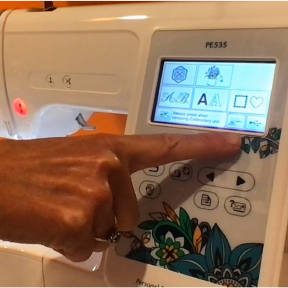
- Transferring Embroidery DesignsIn this section, you'll learn how to transfer embroidery designs from your computer to your embroidery machine quickly and correctly. We'll walk through the entire process, including saving the proper file format, using a USB flash drive, organizing design files, and loading them onto your machine. You'll also learn common troubleshooting tips and best practices to ensure your designs transfer smoothly and are ready to stitch without errors. By the end of this lesson, you'll have the confidence to move any compatible embroidery design from your computer to your machine and start embroidering with ease.4
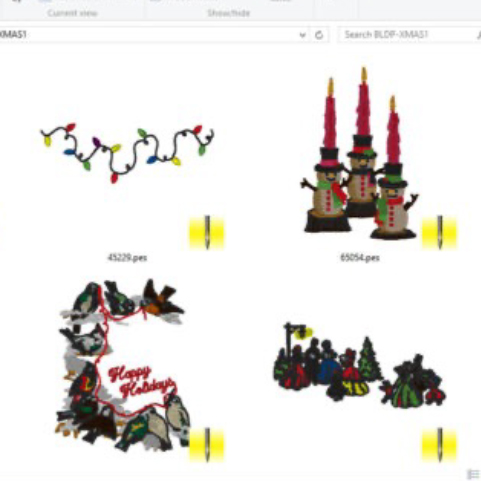
- Organizing, keeping and finding embroidery designsLearn simple systems for organizing your embroidery designs so you can quickly find exactly what you need when inspiration strikes. This section covers practical ways to sort, store, and manage your files to save time and reduce frustration.3
- Embroidery SoftwareDiscover how embroidery software can expand what your machine can do and make creating easier. This section introduces key software features, practical uses, and ways to streamline your embroidery projects with confidence.3
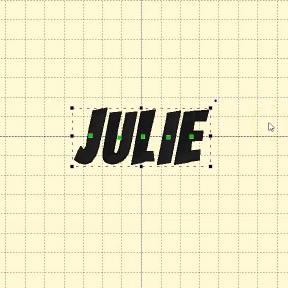
- Working with Embroidery FontsLearn how to use embroidery fonts to personalize projects with names, monograms, and custom lettering. This section covers choosing fonts, sizing text, and creating polished designs with confidence.4
Instructor

Hello! I'm Julie, the founder of Machine Embroidery Geek. As an educator with over 20 years of teaching experience and a machine embroidery designer for more than 10 years, I combine my love of teaching with my passion for embroidery.
I believe that machine embroidery should be fun, creative, and accessible to everyone. That's why I create easy-to-follow tutorials, online courses, and modern embroidery designs that help embroiderers build skills and create projects they're proud of. Whether you're learning the basics or mastering advanced techniques, I'm here to help you stitch with confidence.
