Enthused Enthusiast

MASTER EMBRILLIANCE ENTHUSIAST
Editing stitches may seem intimidating.
But it’s actually pretty straight-forward. We’ll work through all the ins and out of the stitch editing capabilities of Embrilliance Enthusiast so that you can confidently modify your embroidery designs. We’ll also explore all of the other cool utilities that come with Embrilliance Enthusiast.
ORGANIZED AND SYSTEMATIC INSTRUCTION
Hey there! My name is Julie, and I’m here to help you master Embrilliance Enthusiast!
I’ve been sewing and embroidering for years. In fact, I even have a Masters Degree in apparel design. You may have seen some of my projects in Creative Machine Embroidery and Sew News magazines as I am a frequent contributor to those publications.
I’m also an experienced teacher having taught at the college level for over 20 years. And, I offer popular machine embroidery related workshops through Everything Embroidery Market and the Rebecca Page Summit.
Why I built this course
After launching my blog in 2019, I frequently heard from readers that they wanted to learn more about Embrilliance products. There just aren’t that many Embrilliance courses available – which is a shame because it’s such a great suite of products.
So – I figured I would do it myself. After all, as an educator in a constantly changing field, I am also required to learn new software quickly and thoroughly so that I can be an effective teacher.
Sharing my enthusiasm for and knowledge of Embrilliance is easy. I use it almost every day and I love it.
So, if you find yourself intimidated by Embrilliance Enthusiast and are unclear on how to get started, I’m ready and willing to be your guide!

LEARN TO…
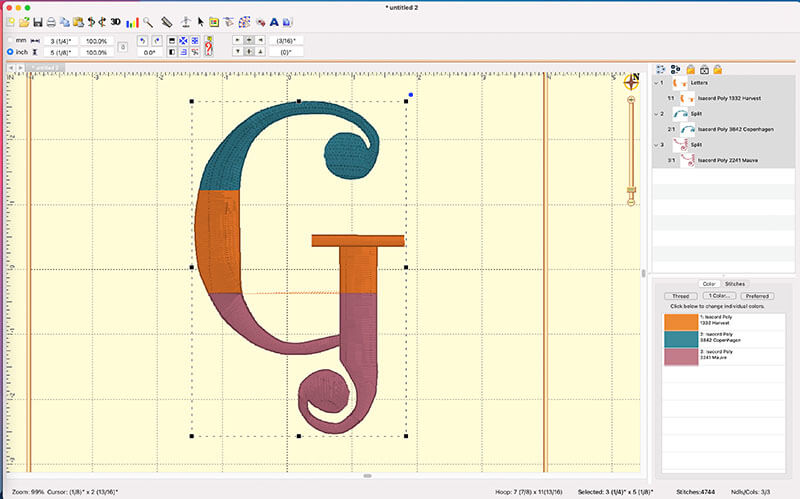
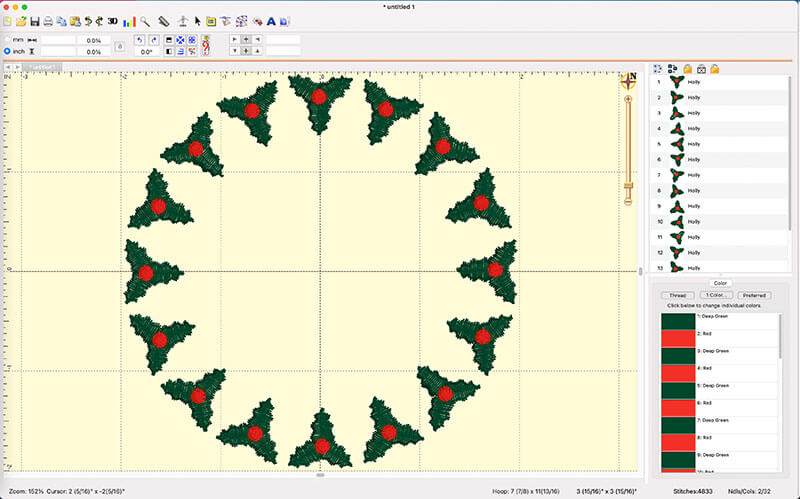
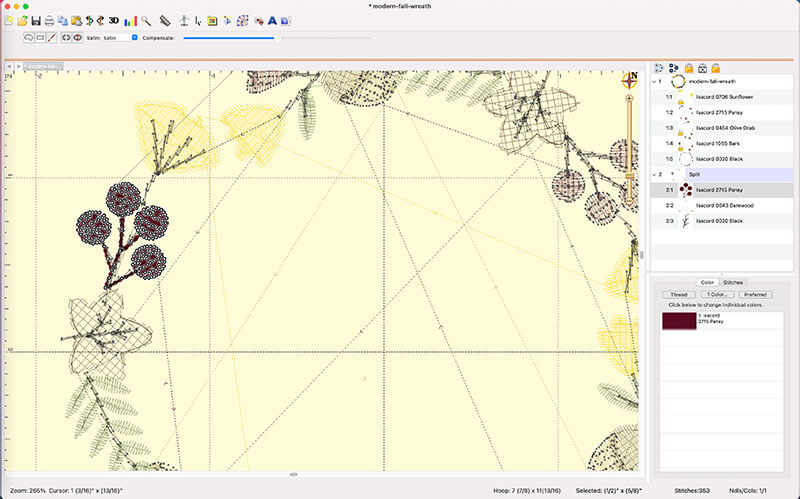
Here’s a few of the lessons covered in this course.
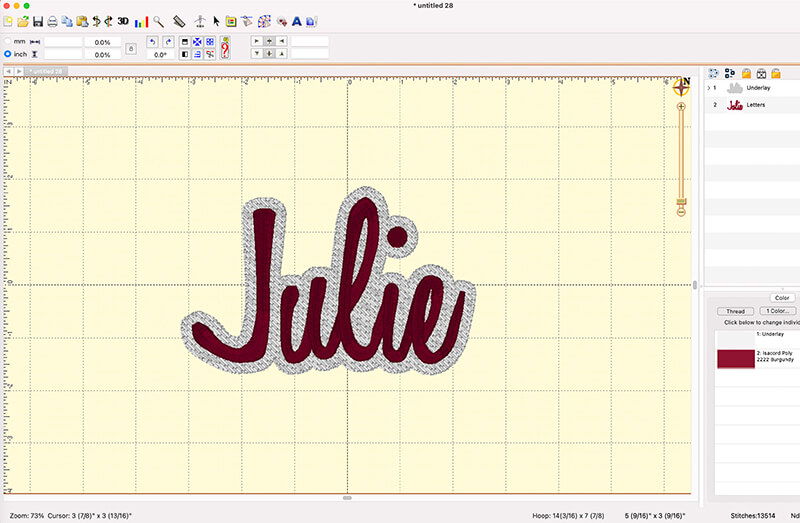
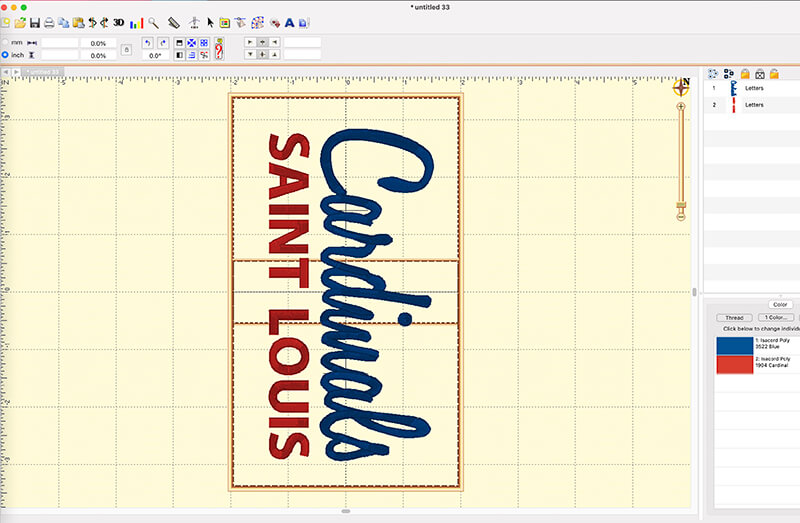
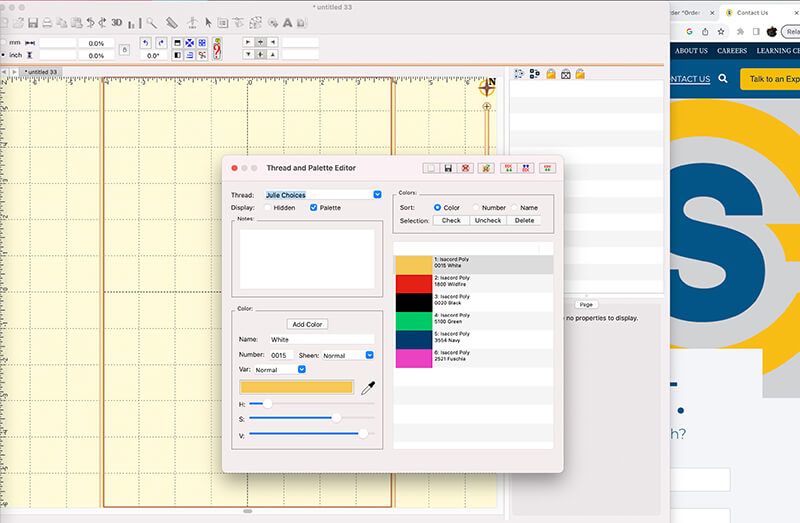
PRACTICE WITH…
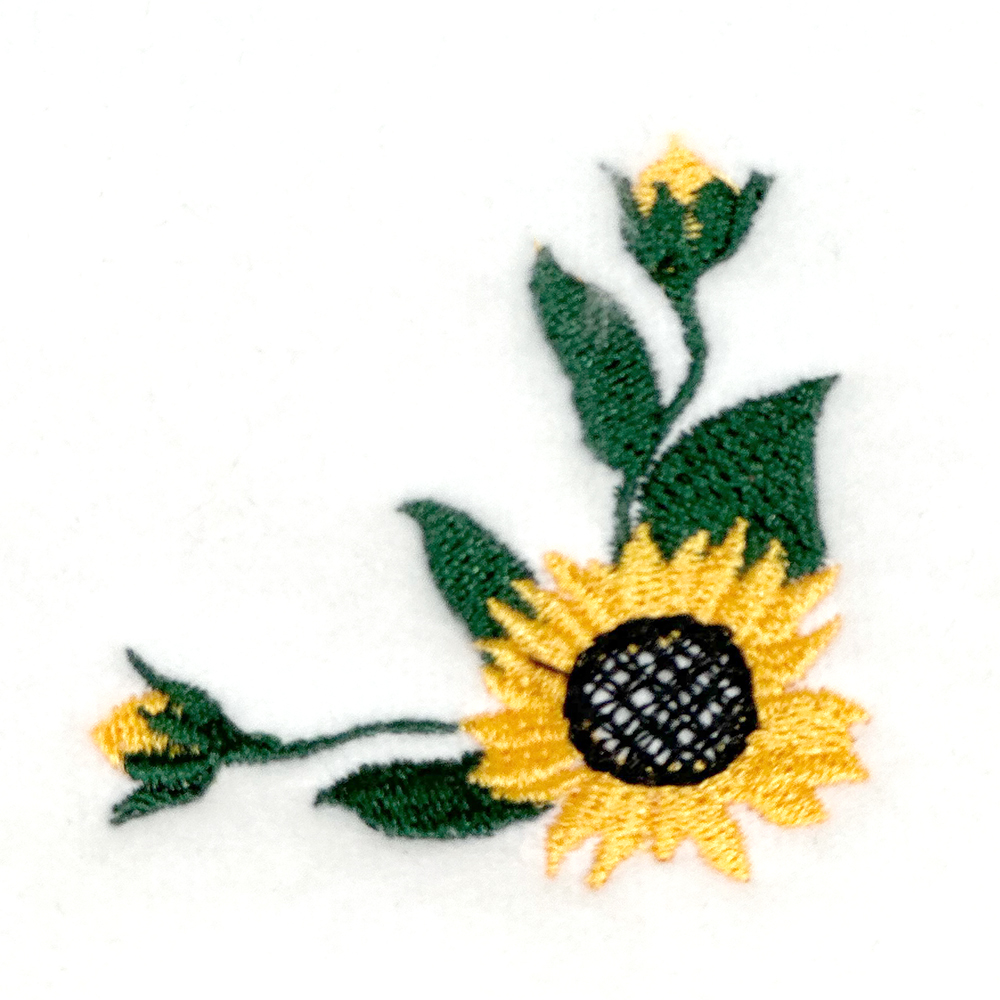
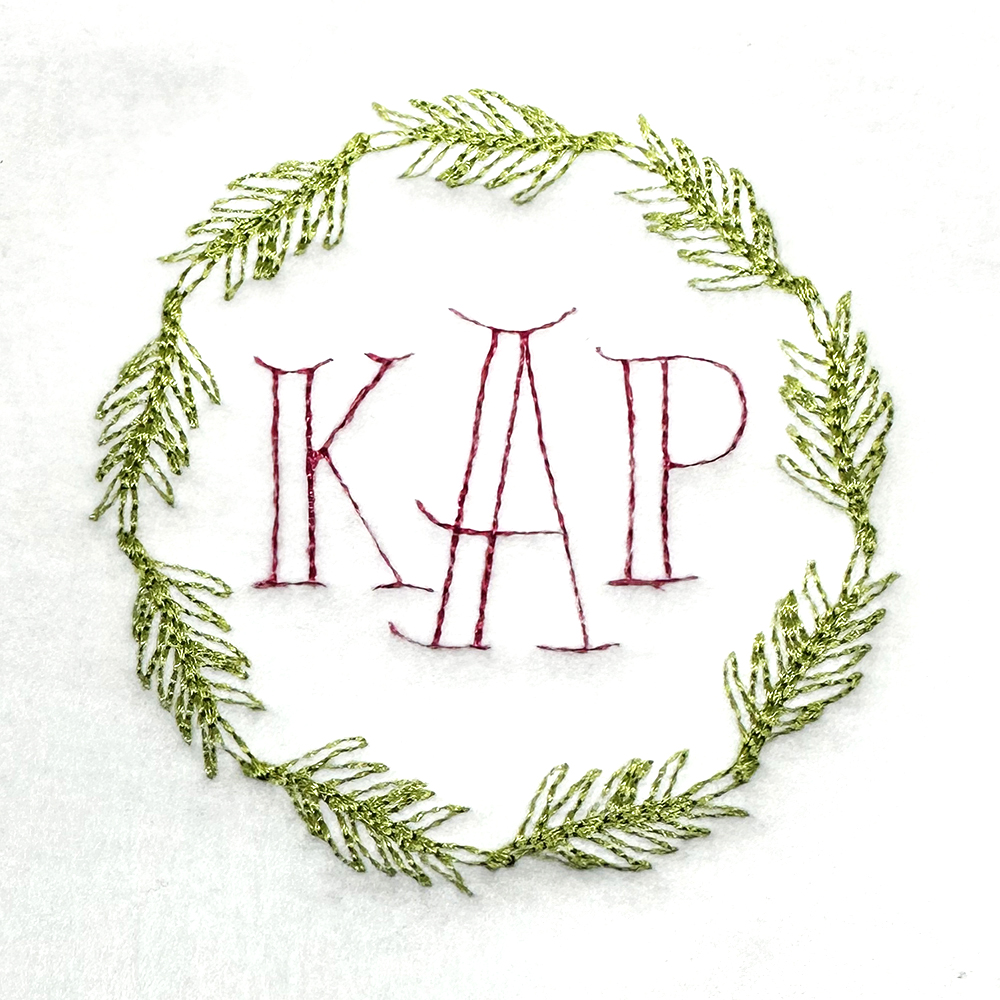
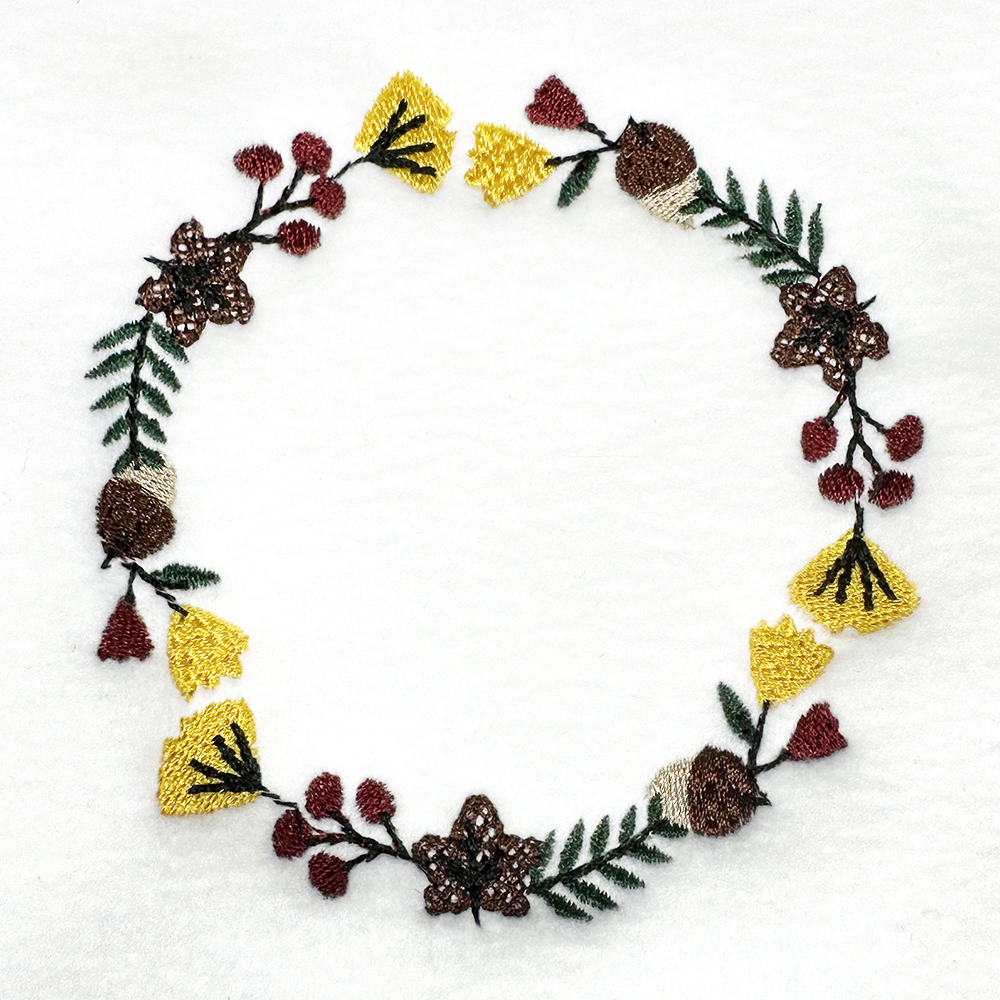
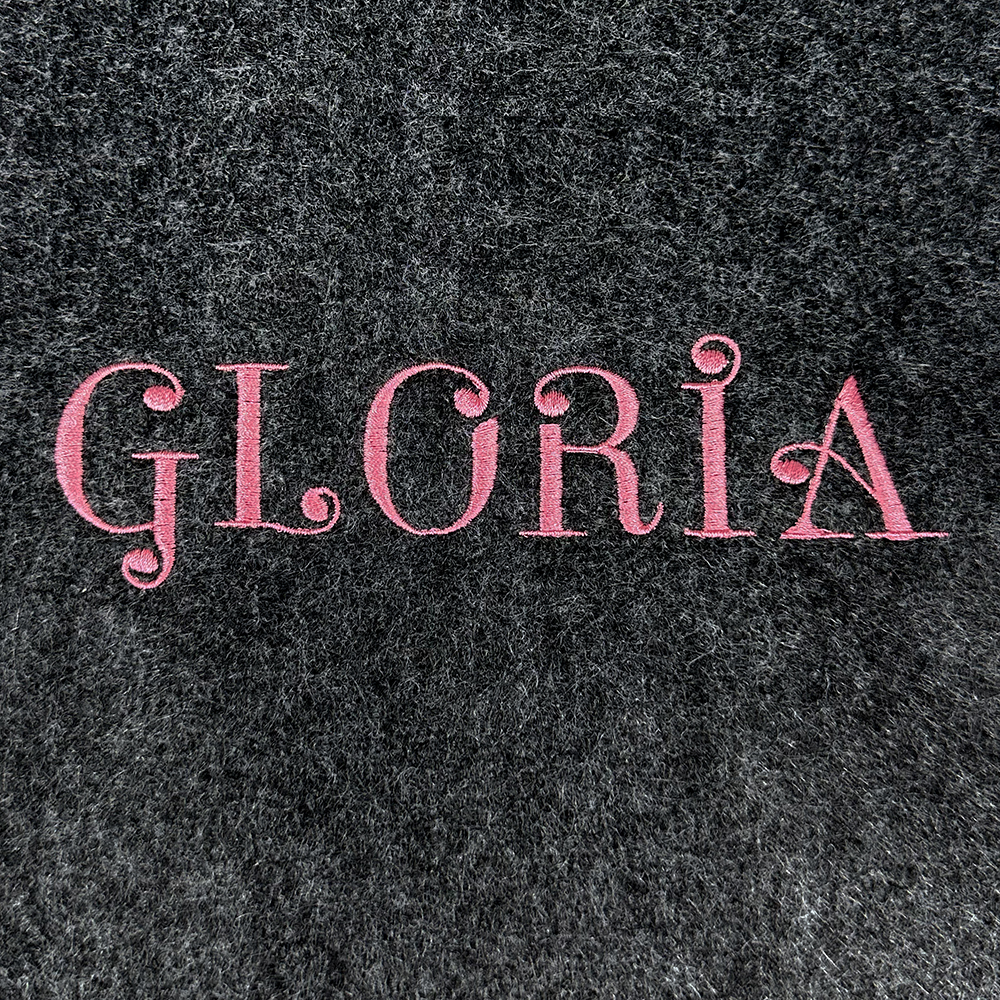
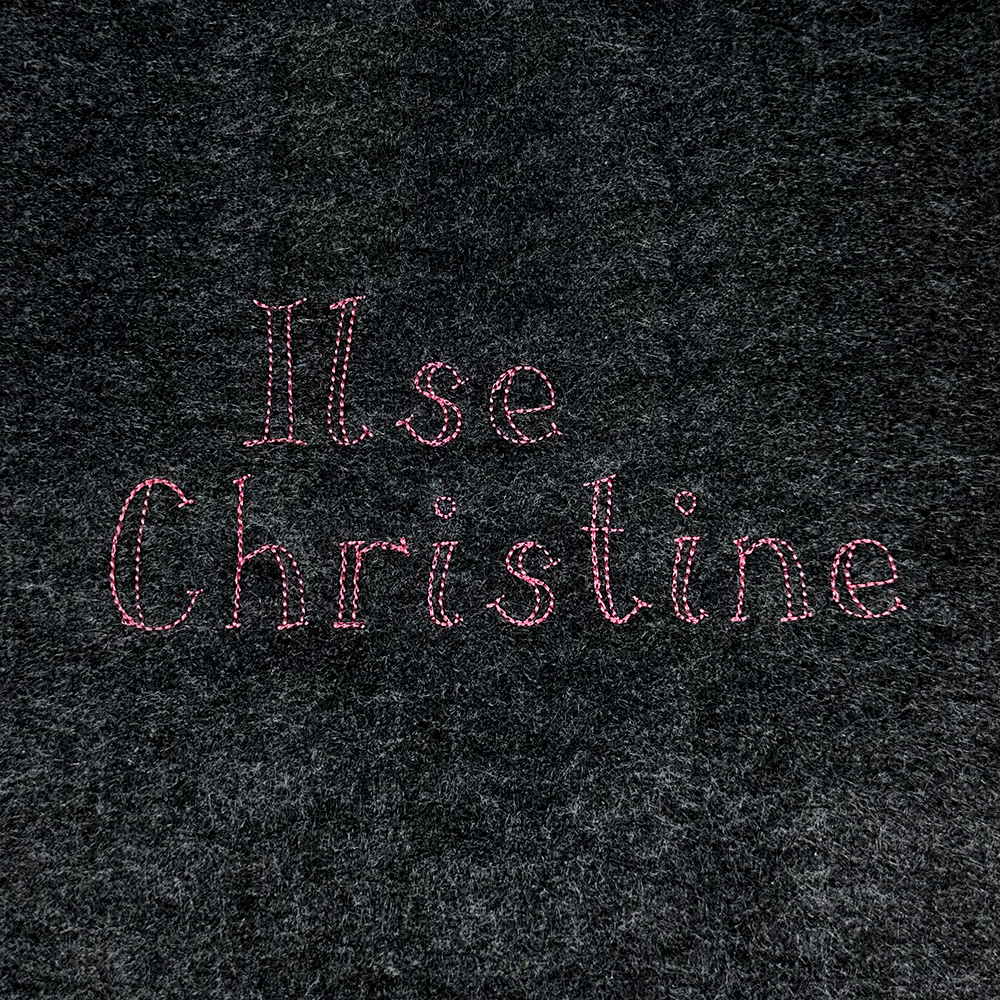
You’ll be able to download and use these six embroidery designs and three embroidery fonts




WHAT MY STUDENT’S SAY
“Wonderful instructions! I have had Embrilliance for probably four years and watched every video I could find but never learned half of these functions!”
– Diane
“I would highly recommend this class for anyone already using Embrilliance Essentials or for new machine embroidery hobbyists wondering what is the best software. I have had other embroidery software before which was several times more expensive that Essentials & after taking this class I feel I have much more control of the designs I stitch out than I ever did with the more expensive software.”
– Martha
“Julie has a gift for breaking things down for those just exploring embroidery, and embroidery editing with Embrilliance. I couldn’t be happier with my new-found level of confidence and competence!! I’m already digging in and customizing things I had no idea I could personalize ♥️. Thank you Julie!!!.”
– Gina
“This course was very informative. I am computer illiterate and by the end I feel I can do all I was hoping for. Julie is great at teaching and moves at a slow pace which is exactly what I need..”
– Shirley
“I have been frustrated with Embrilliance because I know there is a lot in Essentials that I don’t know and have had no real place to learn. You tube videos are such short segments on one particular aspect. I liked how you started at the beginning and walked us through slowly and carefully. Just what I needed.”
– Maxine
“This is my 2nd course with Modern Makers, and I will continue to take Modern Makers courses. Julie is easy to follow and welcomes your questions. I promise you will learn.”
– Jeanette
“Julie’s courses are perfect for the person who wants to learn to machine embroidery. Her instructions and goals are clear and the examples are fun to make and provide great practice for new skills. My abilities and knowledge have definitely grown. Great for a beginner or even for one with more experience—Julie has so much to teach and great advice and knowledge to share.”
– Jennifer
Curriculum
- 6 Sections
- 29 Lessons
- Lifetime
- 01 - IntroductionGet acquainted with Embrilliance Enthusiast and discover why it's one of the most powerful tools available for machine embroiderers. In this section, you'll learn how the software is organized, explore the workspace, understand basic terminology, and set up your preferences for success. Whether you're brand new to Embrilliance or upgrading from another program, this introduction will provide the foundation you need to confidently navigate the software.4
- 02 - UtilitiesUnlock the everyday tools that make working with embroidery designs faster and easier. In this section, you'll learn how to use Enthusiast's utility features to analyze designs, calculate stitch counts, estimate thread usage, view design information, and perform other helpful tasks. These practical tools can save time, improve planning, and help you make informed decisions before sending a design to your embroidery machine.5
- 03 - Managing ThreadsTake control of your thread colors and create designs that stitch exactly the way you envision. This section covers thread palettes, color management, thread brand conversions, and techniques for customizing colors within your designs. You'll also learn how to keep thread information organized and ensure accurate color selections regardless of the thread brands you use.5
- 04 - Design TransformationsLearn how to reshape and customize embroidery designs while maintaining stitch quality. In this section, you'll explore resizing, rotating, mirroring, skewing, combining designs, and other transformation tools available in Enthusiast. You'll discover when transformations are safe to use, how stitch recalculation works, and how to modify designs to fit your projects without compromising results.6
- 05 - Stitch EditingDive deeper into your embroidery designs by working directly with individual stitches and stitch objects. This section teaches you how to view, select, edit, and manipulate stitches for greater creative control. You'll learn techniques for correcting problems, adjusting stitch sequences, refining design elements, and making precise edits that aren't possible through basic design transformations alone.10
- 5.1Simple extraction of an object from a design
- 5.2More complex extraction of objects from a design
- 5.3Adding stitches to fill in a gap
- 5.4Traversing through stitches
- 5.5Deleting, moving and converting stitches to jump stitches
- 5.6Different types of splits
- 5.7Splitting a text object
- 5.8Converting satin stitch areas to fill and vice versa
- 5.9Adding compensation
- 5.1005 Quiz5 Questions
- Downloads and Additional ResourcesContinue your learning journey beyond the course with a collection of helpful resources and reference materials. In this section, you'll find downloadable guides, cheat sheets, practice files, and links to additional tutorials and support resources. These materials are designed to reinforce what you've learned and provide ongoing assistance as you continue mastering Embrilliance Enthusiast.3
FAQs
Instructor

Hello! I'm Julie, the founder of Machine Embroidery Geek. As an educator with over 20 years of teaching experience and a machine embroidery designer for more than 10 years, I combine my love of teaching with my passion for embroidery.
I believe that machine embroidery should be fun, creative, and accessible to everyone. That's why I create easy-to-follow tutorials, online courses, and modern embroidery designs that help embroiderers build skills and create projects they're proud of. Whether you're learning the basics or mastering advanced techniques, I'm here to help you stitch with confidence.