Disclosure: Some of the links on this site are affiliate links. This means that if you click on them and make a purchase, I may earn a small commission at no extra cost to you. Please know that I only recommend products and services I trust and use myself.
Embrilliance is a versatile embroidery software suite designed to make creating, editing, and customizing embroidery designs simple and efficient. It allows users to merge designs, add lettering, resize without losing stitch quality, and even convert between different machine formats.
Compatible with both Windows and Mac, Embrilliance doesn’t require additional plug-ins or complicated setup, making it accessible for hobbyists and professionals alike. Its modular system lets users start with basic features and expand as their skills and needs grow, offering tools for digitizing, color management, and design organization—all in a clean, intuitive interface.
To purchase Embrilliance software – you must visit the Embrilliance website. But since it is my FAVORITE suite of programs, I wanted to use this page to explain what all the programs do and provide quick access for you to get to the program that you need.
Before you purchase any Embrilliance software, I HIGHLY recommend that you download the free version of Embrilliance – Embrilliance Express. This will give you the basic Embriliance interface and basic functionality. With just this free version of the software, you can install BX fonts and start creating words, phrases and monograms that you can save in an embroidery file format and then load onto your machine.
Embrilliance Essentials is aptly named. It allows you to easily create, edit, and customize embroidery designs. You can also merge designs, add lettering, resize patterns, and adjust stitch density—all while maintaining professional-quality results. Once you are done editing your embroidery design(s), you can save them in a variety of different embroidery file formats and then load them on your embroidery machine.
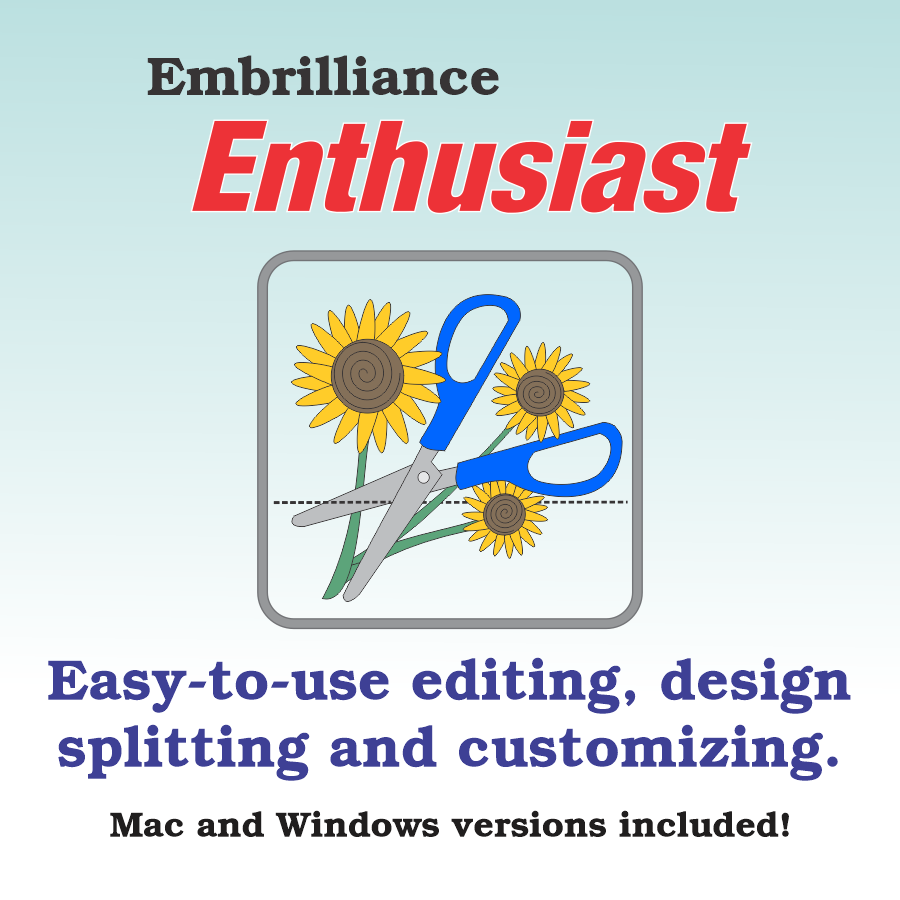
Embrilliance Enthusiast is like Embrilliance Essentials in that it is an embroidery design editor but it offers some additional specialized tools such as individual stitch editing, selecting portions of designs, creating knockdown stitch areas, wreaths and more.
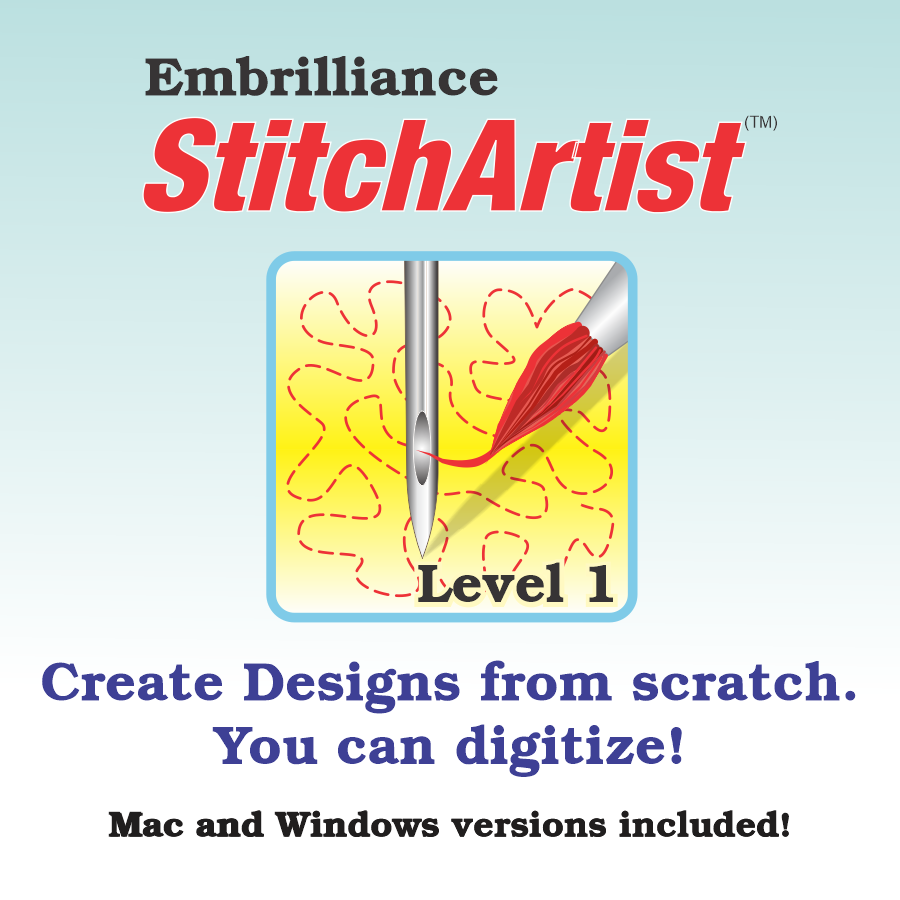
StitchArtist Level 1 is an entry-level machine embroidery digitizing program that allows you to create your own unique embroidery designs.
This program includes multiple custom drawing features, a large library of built-in design shapes, and an easy-to-use shape generator for quickly making squares, rounded rectangles, circles, ovals, polygons, stars, spirals, and more.
If you purchase Level 1 – you can always purchase add-on packages to unlock Level 2 and/or Level 3 features.
StitchArtist Level 2 provides you with more tools and an expanded variety of stitch types and settings to take your digitizing to the next level.. With Level 2, you have the flexibility to create nearly any embroidery design. With this level of StitchArtist, you can take full advantage of satin stitching using detailed stitch-angle control, and you can also import vector artwork or cutting file formats to generate precise embroidery objects.
If you purchase Level 2 – you can always purchase an add-on packages to unlock level 3 features.
Designed for creators who love developing their own artwork, StitchArtist Level 3 is built for commercial-grade machine embroidery digitizing. It offers advanced shaping tools, an extensive range of stitch types, and powerful utilities that boost both artistic control and workflow efficiency.
With multiple input options, customizable default nodes, and support for publishing multi-format stitch files, native BX fonts, and asset libraries, Level 3 is ideal for professional digitizers, stock design producers, and font creators.
Embrilliance Thumbnailer updates your embroidery file icons to display visual previews directly within your computer’s file explorer, so you can view designs without opening each file.
No more guessing what a design looks like based on unclear filenames—Thumbnailer lets you see your embroidery artwork instantly and clearly right from your operating system’s file utilities.
Embrilliance AlphaTricks is a powerful lettering solution for machine embroidery. It lets you turn lettering collections into keyboard-ready fonts, organize and manage your font library with naming, sorting, and filtering tools, and speed up work by reducing load times for large collections. You can scale lettering with stitch recalculation, customize or combine it with stitch files, and print templates with ease. It operates within the Embrilliance Platform and activates with a serial number.